Terms of Use
Draft · October 30, 2026
These terms govern your use of the Community Aviation website. Our apps and services have their own agreements.
1. Acceptance
By using communityaviation.com (the "Site"), operated by Community Aviation, LLC ("we", "us"), you agree to these Terms. If you do not agree, please do not use the Site.
2. Use of the Site
You may use the Site for lawful purposes only. You agree not to interfere with the Site's operation, attempt unauthorized access, scrape it at a volume that burdens our systems, or use it to send spam or harmful code.
3. Not flight instruction or a weather briefing
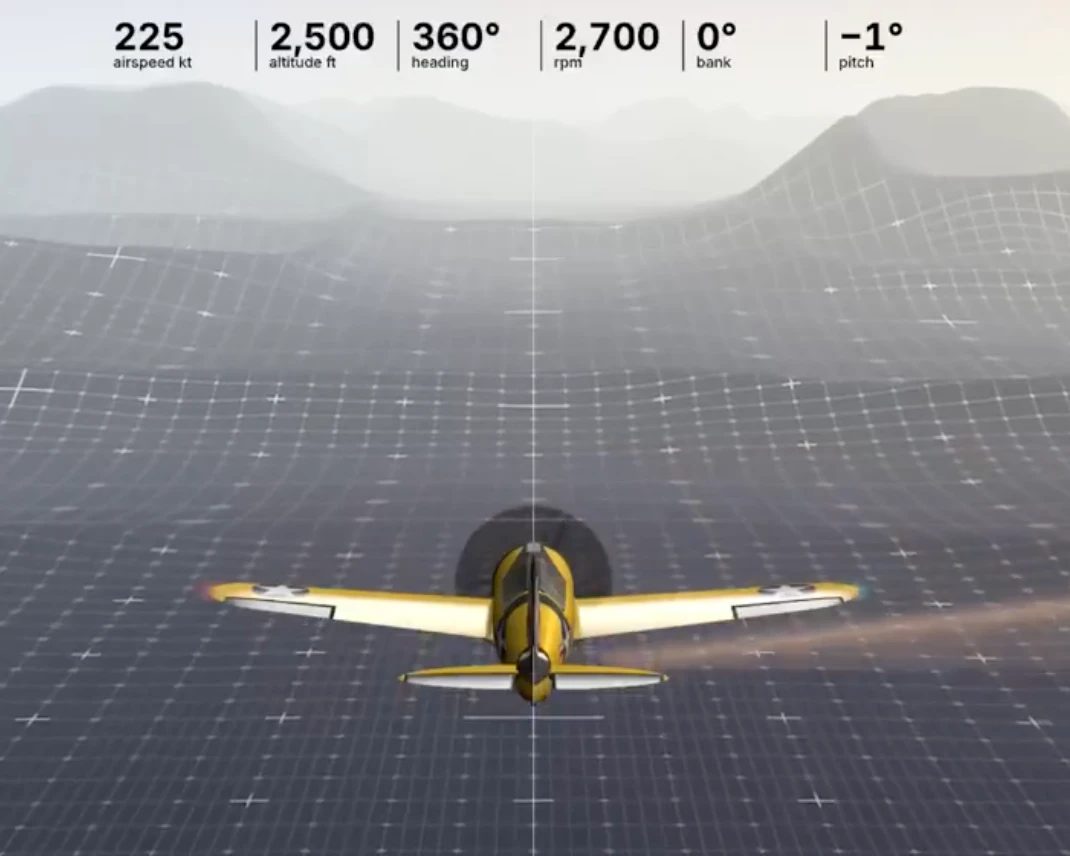
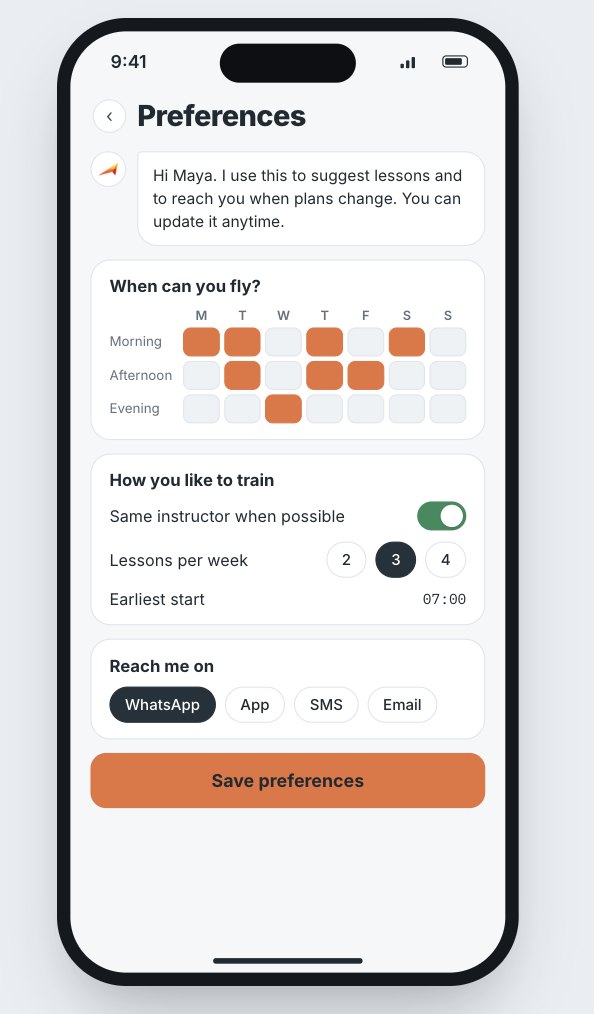
Content on the Site, including the Learn-Do-Fly Training Standard, articles, videos and tool demonstrations, is for general education and information. It does not replace instruction from a certificated flight instructor, an official weather briefing, the aircraft's operating handbook, or applicable regulations. The pilot in command is solely responsible for the safe operation of the aircraft.
4. Intellectual property
The Site and its content are owned by Community Aviation or its licensors and protected by intellectual property laws. Learn-Do-Fly is a trademark of Community Aviation LLC. The Learn-Do-Fly Training Standard is free to adopt under the terms stated in the Standard itself; other content may not be copied or redistributed without permission, except as the law allows.
5. Third-party links and services
The Site links to third-party sites and services, such as booking tools and expert calendars. We do not control them and are not responsible for their content, terms or privacy practices. Sessions booked with independent experts are agreements between you and that expert.
6. Submissions
If you send us information through forms or email, you confirm it is accurate and that you may share it. Our Privacy Policy explains how we handle personal information.
7. Disclaimers
The Site is provided "as is" and "as available". To the fullest extent permitted by law, we disclaim all warranties, express or implied, including accuracy, fitness for a particular purpose and non-infringement. Prototype and experimental tools may change or stop working without notice.
8. Limitation of liability
To the fullest extent permitted by law, Community Aviation is not liable for indirect, incidental, special, consequential or punitive damages, or for loss of data or profits, arising from your use of the Site.
9. Changes
We may update these Terms from time to time. The date at the top shows the latest version. Continued use of the Site means you accept the updated Terms.
10. Governing law and contact
These Terms are governed by the laws of the State of Delaware, without regard to conflict of law rules. Questions: info@communityaviation.com.